Getting Started with RoboVigil — Up and running in under an hour. No hardware to install. No IT team required.
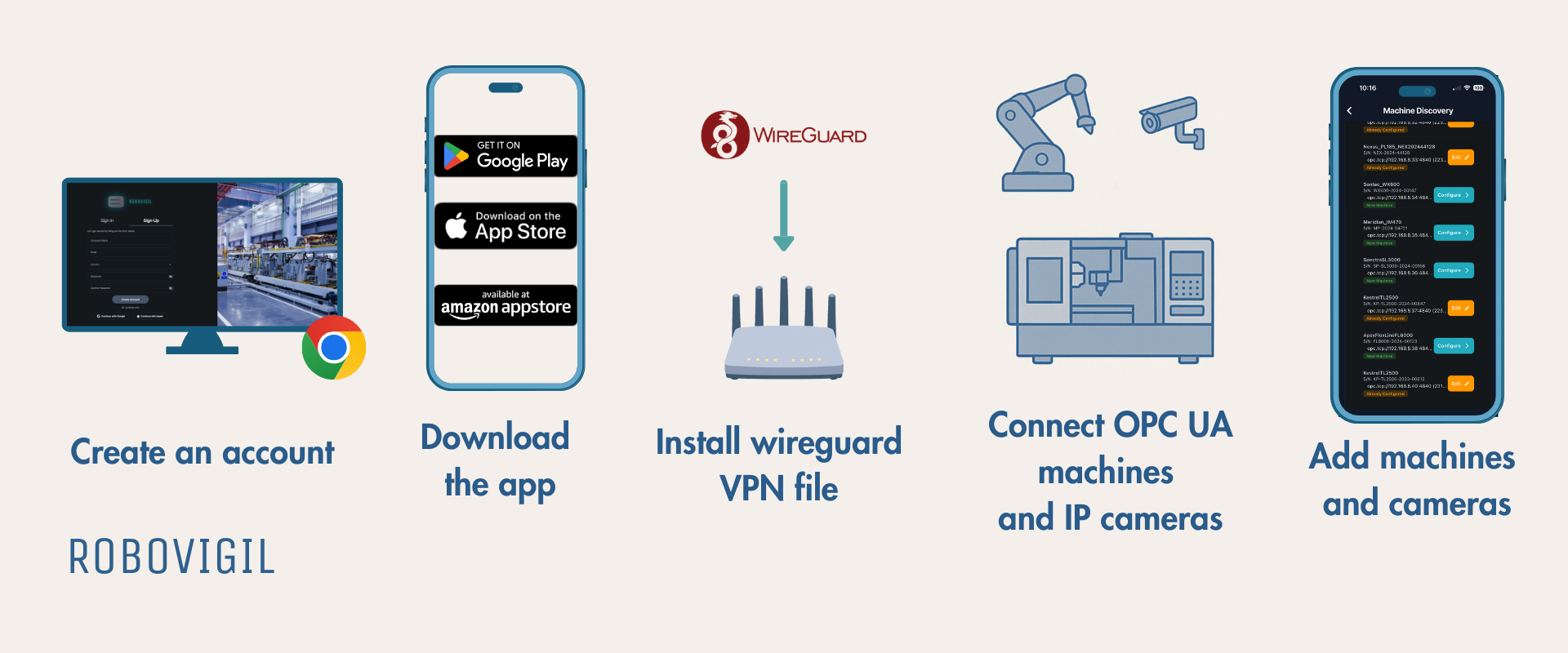
Step 1: Create an Account
Sign up at app.robovigil.com. You’ll need a company name and a valid email address and payment card details. Your account includes a 30-day free trial with full access to every feature. Give your factory a name and add the productions lines.

Step 2: Download the App
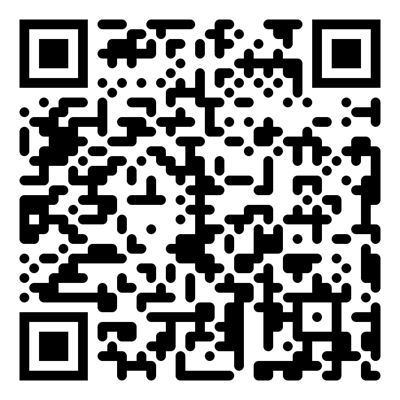
RoboVigil is available on iOS, Android, Amazon devices, and as a web app. The mobile app delivers push notifications for faults and alerts — the web dashboard gives you the same data on a bigger screen and greater access to your account details.



Step 3: Set Up Your Secure Connection
From the app, go to Factory Management → your factory → VPN Configuration and generate a WireGuard config file. Download it and load it onto your router. That’s your encrypted tunnel established.
No ports need opening on your firewall. No specialist networking knowledge required. Most modern business routers support WireGuard natively — if yours doesn’t, an inexpensive gateway device (such as a GL.iNet Brume) will do the job.
Once the tunnel is live, RoboVigil can reach your machines and cameras securely.
Step 4: Add Your Machines
Go to Machine Discovery in the app. RoboVigil scans your network and automatically discovers every OPC-UA enabled machine — robots, CNCs, PLCs, controllers. Select the machines you want to monitor, and RoboVigil does a deep scan to map their available data points: cycle counts, operating states, temperatures, speeds, fault codes, and more. Our intelligent system automatically identifies machine type, manufacturer and OPC-UA protocol to easily identify what needs monitoring.
Works with any OPC-UA compliant equipment regardless of manufacturer: ABB, FANUC, KUKA, Siemens, Mitsubishi, Universal Robots, Omron, Beckhoff, and others.
For machines requiring OPC-UA security certificates, download one directly from the Factory Configuration Page in the app and load it into your machine’s configuration.
Step 5: Connect Your Cameras
Go to Camera Setup and enter the IP address and RTSP credentials for each camera. Any standard IP camera with RTSP streaming works such as the Reolink 520A— no proprietary hardware needed. Link cameras to specific machines so that when a fault occurs, RoboVigil captures a snapshot automatically and delivers it with the alert.
PoE cameras are the simplest option — one network cable for power and data.
📖 User Guide
The full user guide is available inside the app under Menu → User Guide, or access it directly here: Robovigil User Guide
🖥️ Try the Demo
Want to see RoboVigil in action before connecting your own machines? Log in with the demo account to explore a live factory with real machine data and camera feeds.
Web dashboard: app.robovigil.com
To request demo login details, enter your email below:
❓ What You Need
RoboVigil is software-only. There’s nothing to install on your factory floor. You provide three things:
🔒 A router that supports WireGuard — most modern business routers support it, or add an inexpensive gateway device.
📷 Standard IP cameras — any RTSP-compatible camera works. Position them where you need visibility.
⚙️ Machines with OPC-UA — most modern industrial robots, CNCs, PLCs and controllers support OPC-UA natively. For older equipment, inexpensive protocol bridges can bring legacy machines into the same monitoring environment.
👇 Need Help?
Contact us: robovigil.com/contact Email: hello@robovigil.com